
From Evidence to Process
Docs in Minutes
AI-powered process discovery engine. Upload recordings and
documents, get BPMN 2.0 diagrams, SIPOC
tables, and RACI matrices.
Self-hosted with bring-your-own LLM.
$ git clone https://github.com/jgleiser/ProcessAce.git
$ cd ProcessAce && docker compose up -d --build
✓ ProcessAce running at http://localhost:3000Discover how ProcessAce transforms process documentation.
Everything you need for process discovery
From raw evidence to professional process documentation, fully automated.
Ingest Evidence
Upload SOPs, notes, emails, and text documents. Natively ingest Audio and Video files with a transcription-first workflow and human-in-the-loop review.
Multi-LLM Analysis
Choose between OpenAI, Google Gemini, Anthropic Claude, or run fully air-gapped local models via our first-class Ollama integration.
Generate Artifacts
Auto-generate BPMN 2.0 diagrams, SIPOC tables, RACI matrices, and Markdown-based narrative docs.
Edit & Export
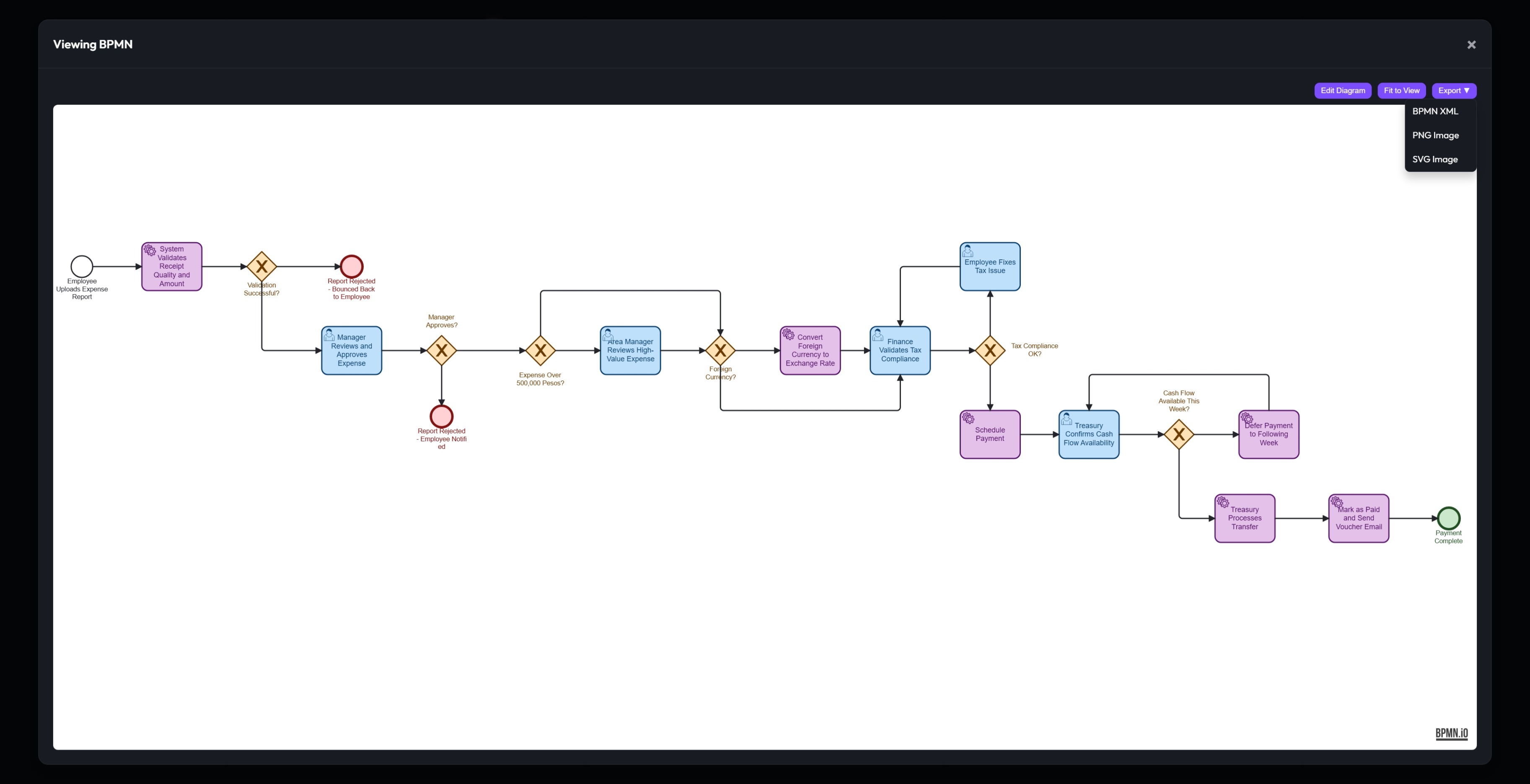
Visually modify BPMN diagrams, edit narratives via WYSIWYG, and export to XML, PNG, SVG, CSV, Markdown, DOCX, or PDF.
Workspaces & Roles
Organize projects with workspaces. Superadmin, Admin, Editor, and Viewer roles with data isolation.
Self-Hosted & Secure
Dockerized deployment with SQLCipher-encrypted SQLite. Hardened for ISO 27001, HIPAA, and GDPR readiness with admin-approved registrations and consent tracking.
ProcessAce in Action
Discover what it's like to use ProcessAce step by step.
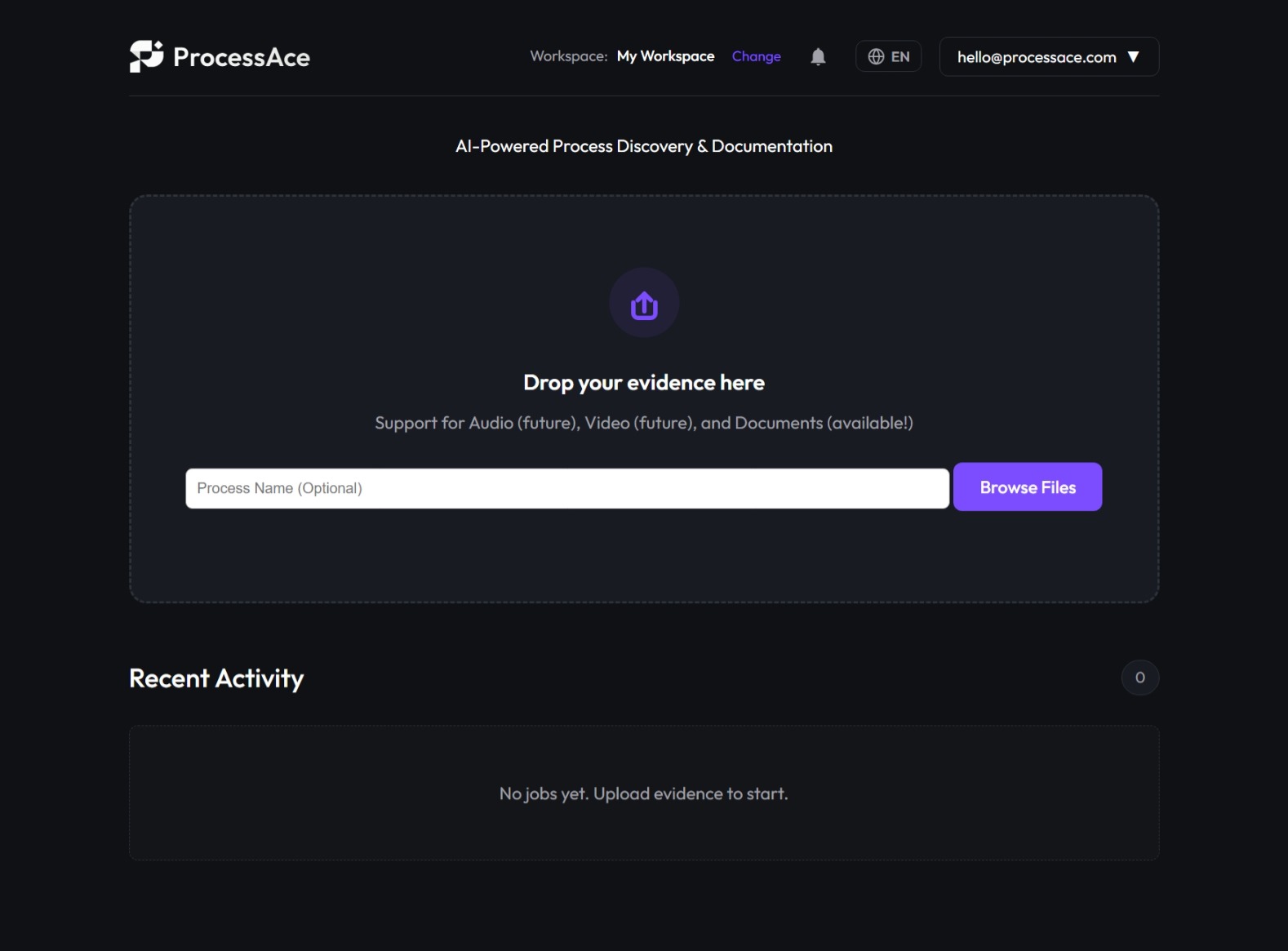
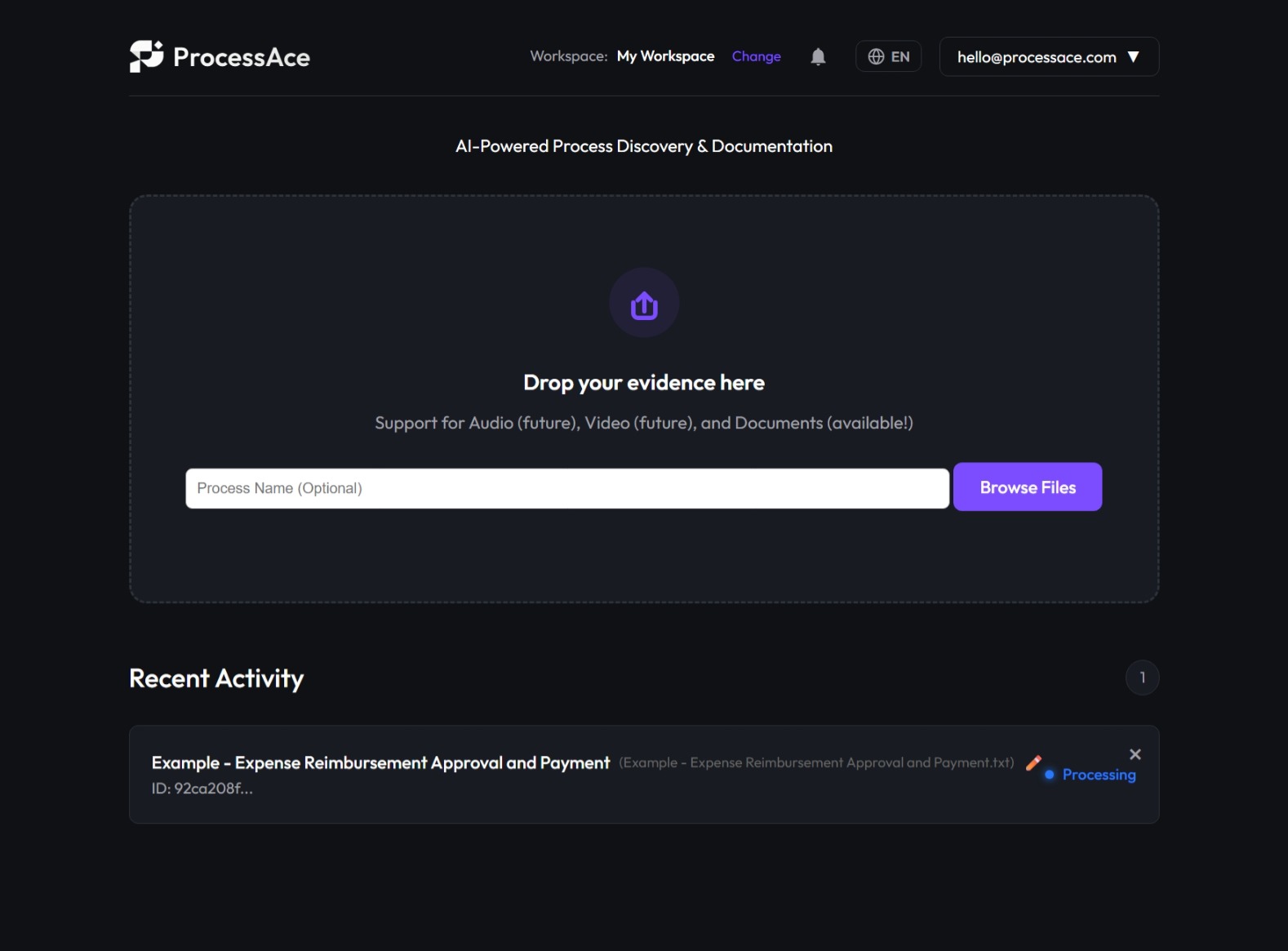
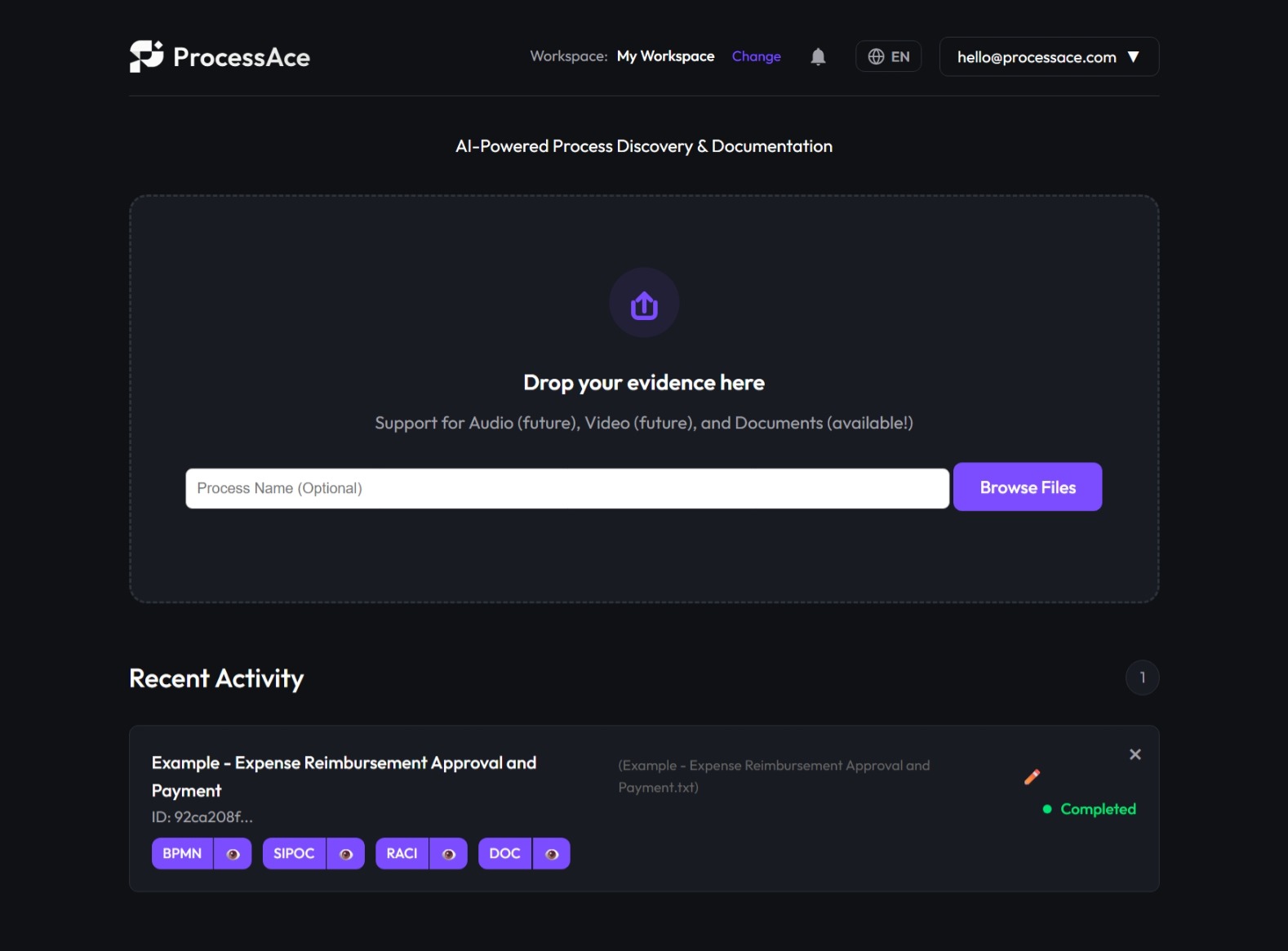
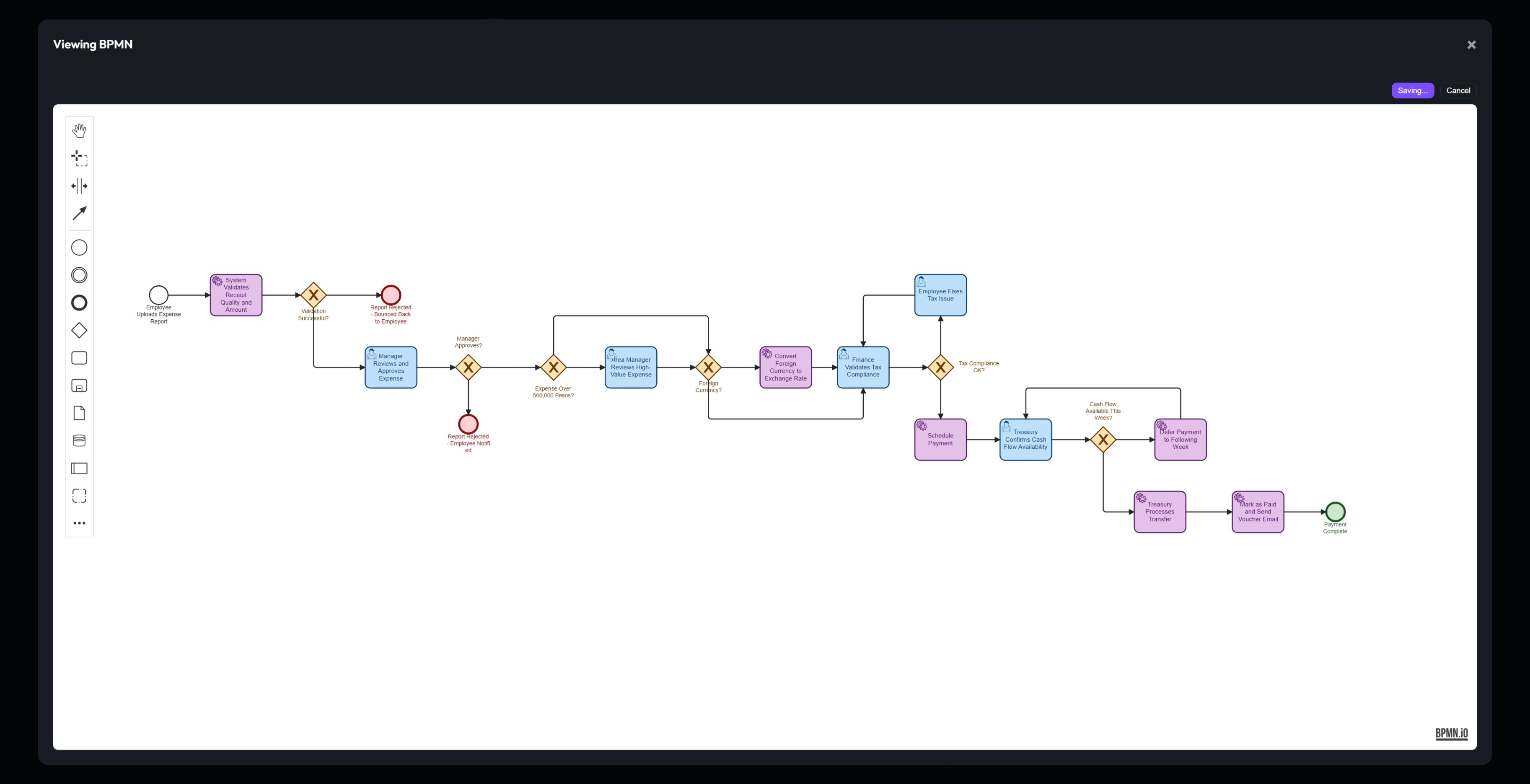
Upload your documents and let AI automatically analyze, structure, and generate all your process artifacts in seconds.
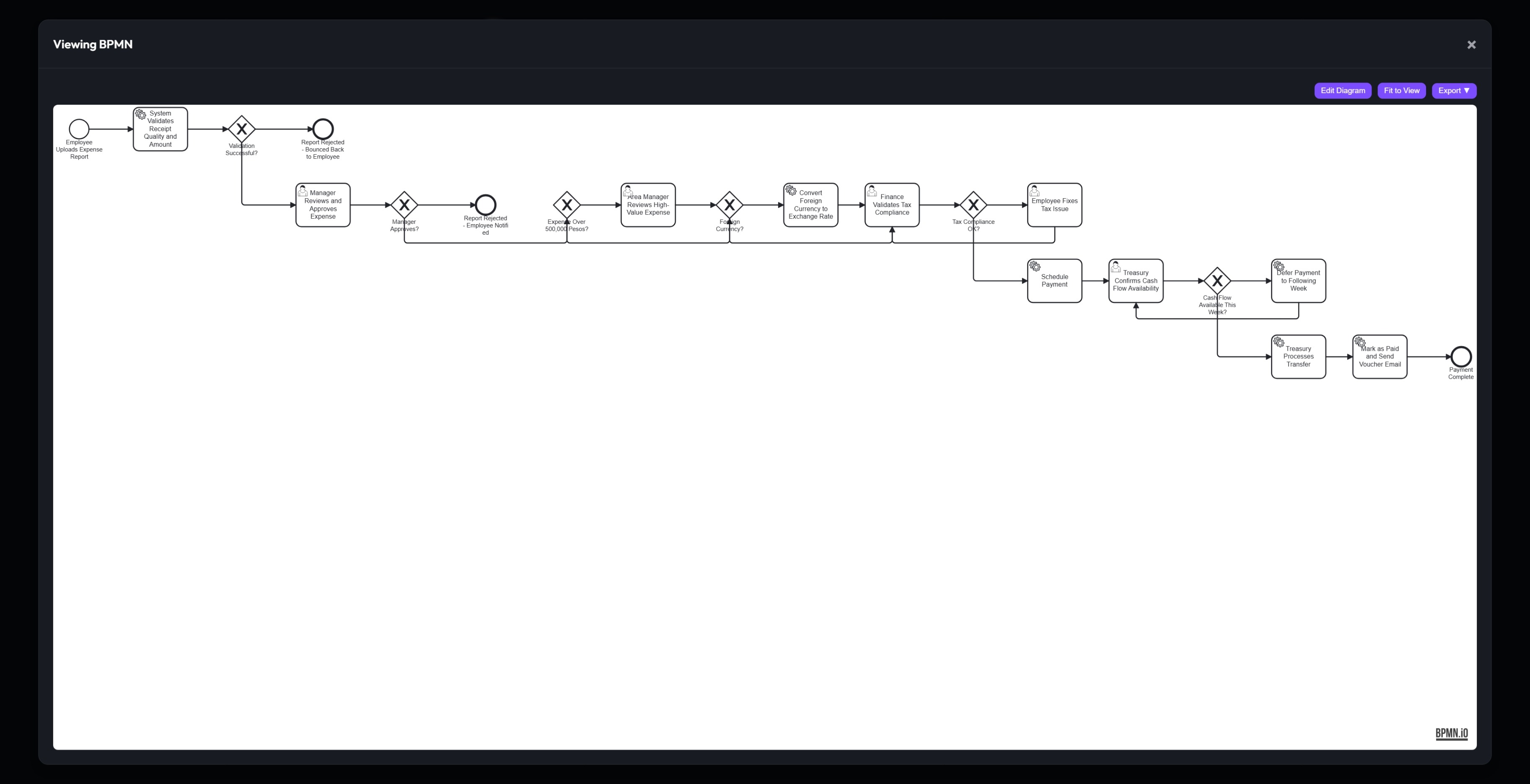
Visualize and edit generated BPMN diagrams. Adjust roles, tasks, and sequences with an intuitive interface ready for export. Powered by bpmn-js.
How It works
Four simple steps from raw evidence to actionable process documentation.
Upload Evidence
Upload text documents like SOPs, meeting notes, or emails that describe your processes.
AI Analysis
ProcessAce uses your chosen LLM to extract steps, actors, systems, and relationships from the evidence.
Generate Artifacts
Get professional BPMN diagrams, SIPOC/RACI tables, and narrative documentation auto-generated.
Edit & Export
Refine artifacts with the interactive editor. Export as XML, PNG, SVG, CSV, Markdown, DOCX, or PDF.
Up and running in minutes
Docker Compose is all you need. Bring your own LLM API key.
cd ProcessAce
# Edit .env and set ENCRYPTION_KEY
# Register your first account (becomes Admin)
# Configure LLM provider in App Settings
Prerequisites
- Docker & Docker Compose
- An LLM API key (OpenAI, Google GenAI, or Anthropic)
- A 32-byte Hex string (for secure API key encryption)
Plans & Pricing
Source-available at its core, with enterprise options for commercial scale.
Community Edition
Sustainable Use License
Self-hosted forever
- ✓ All core features included
- ✓ Self-host on your infrastructure
- ✓ Bring your own LLM
- ✓ Unlimited users & workspaces
- ✓ Community support
- ✓ Modify for internal use
Commercial License
For SaaS & resale use cases
Contact for pricing
- ✓ Everything in Community Edition
- ✓ Multi-tenant SaaS rights
- ✓ Commercial redistribution
- ✓ Priority support & SLA
- ✓ Production roadmap input
- ✓ Direct access to dev team
Get in Touch
Have questions about ProcessAce or need consulting? Send a message.